The MZPico card
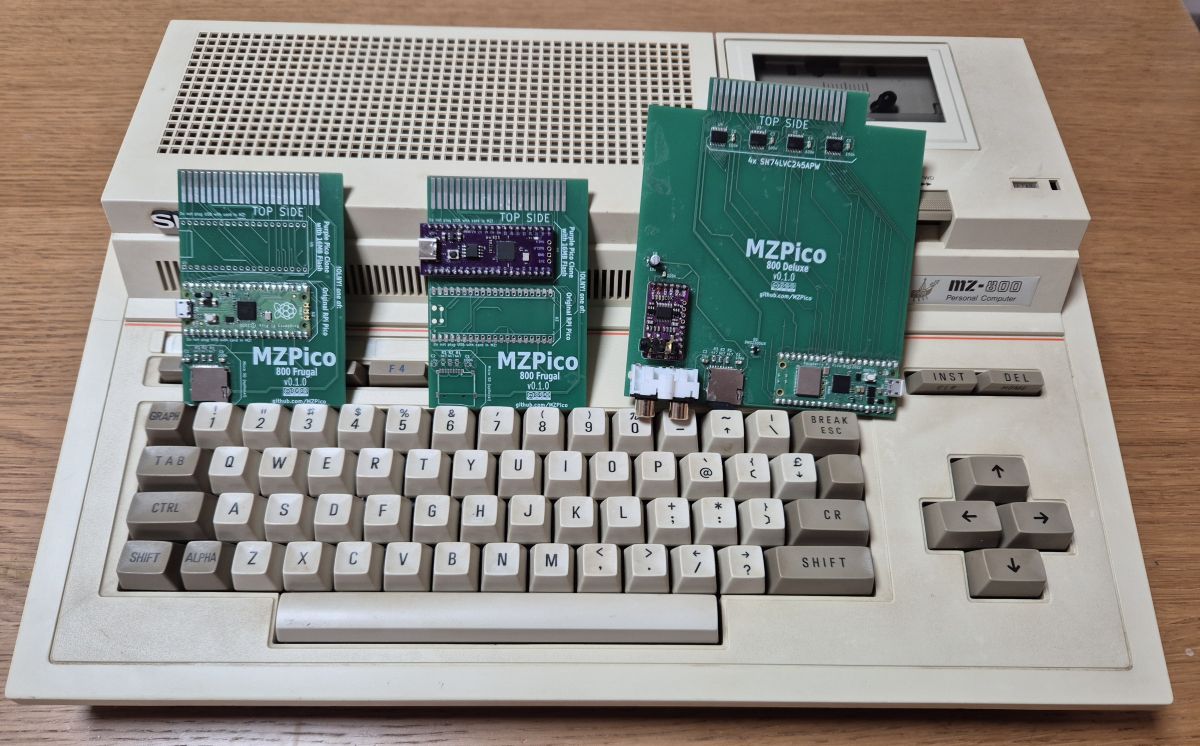
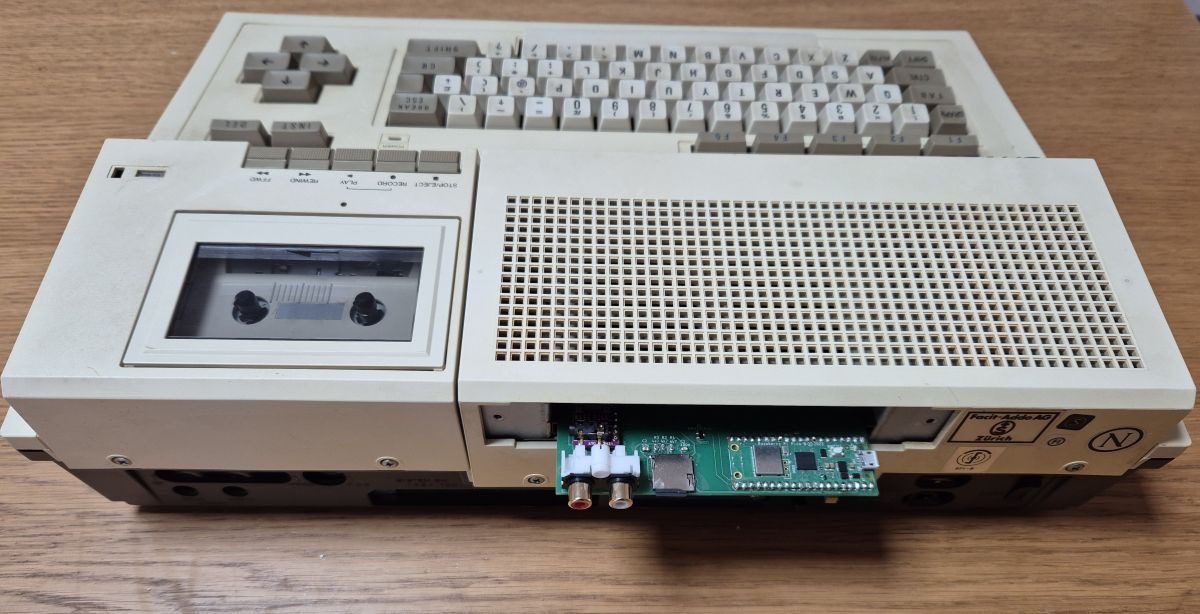
An open-hardware storage system for the Sharp MZ-800, powered by a Raspberry Pi Pico. No cassette tapes, no original floppy or Quick Disk drives — a Pico, a small PCB, a few solder joints, and the machine loads anything in seconds.
What it does
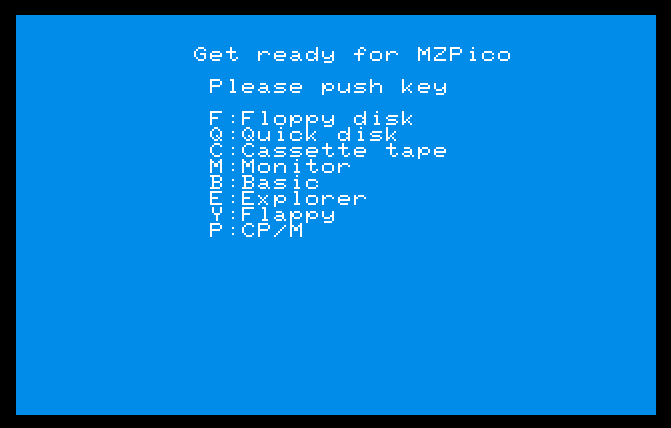
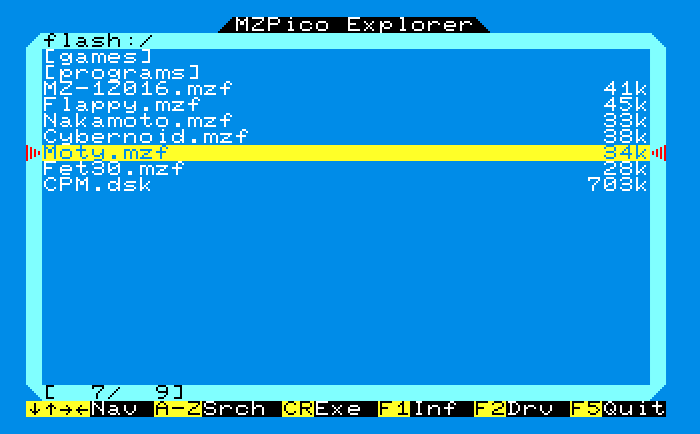
- MZF program loader — loads
.mzftape images straight into the MZ-800. Instant, no audio cassette involved. - Floppy disk emulator — mounts
.dskimages and emulates a floppy drive. - Quick Disk emulator —
.mzqimages, or the on-the-fly mode where a plain directory behaves as a Quick Disk. - RAM disk emulator — SRAM boot disk, paged RAM disk and PicoRD, with instant system boot via SRAM emulation.
- Sound over I2S — both MZ-800 sound sources rendered to an on-board I2S DAC: the SN76489 PSG with stereo panning and the 8253 beeper.
- WiFi cloud storage — the card browses this catalog over WiFi as a
cloud:/device. Every title on this site, loadable on real hardware without touching a computer. - Highly configurable — one firmware for all boards, an INI-style config file, user-defined I/O ports, multiple instances of any virtual device.
On the machine
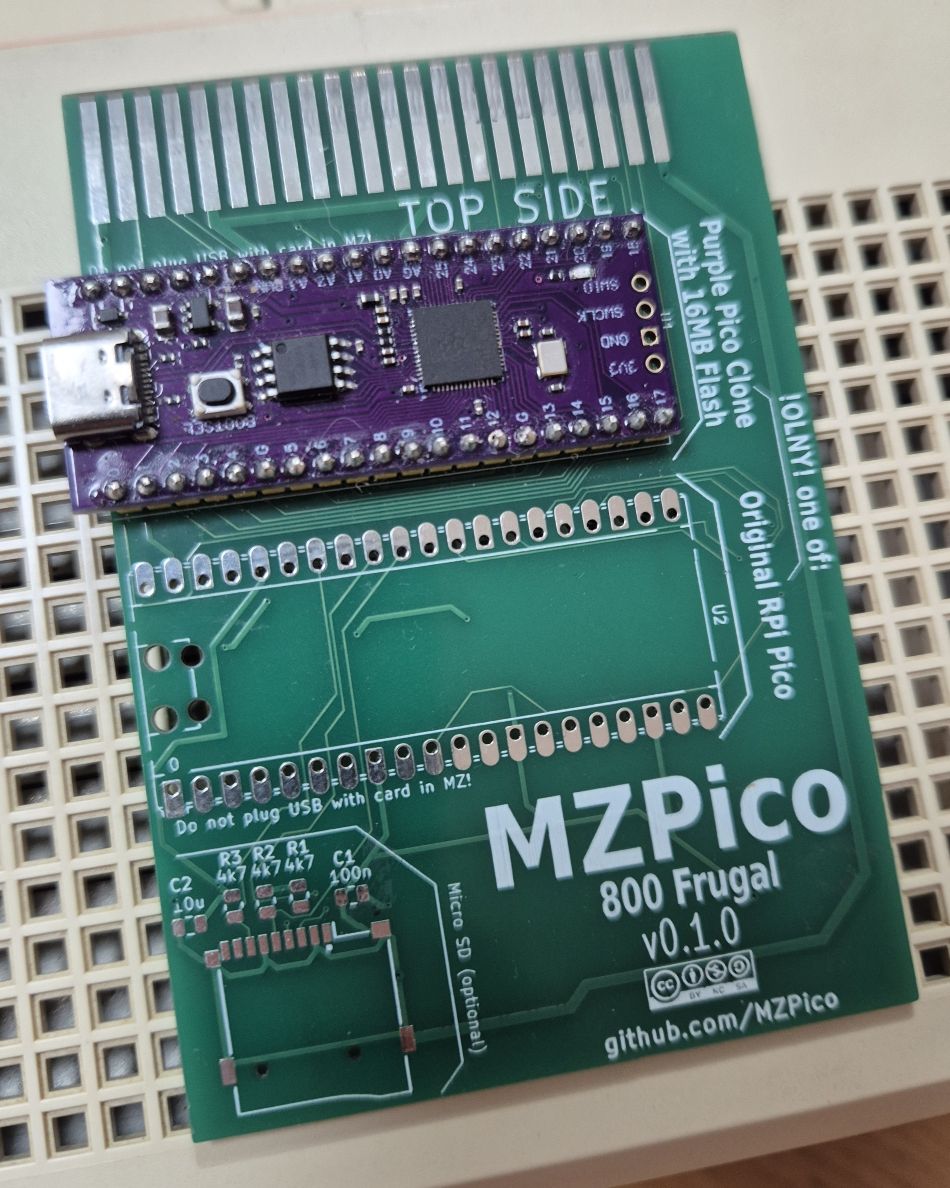
Two boards
Getting started
- Build a board from the open KiCad designs (basic soldering skills are enough), or start with just a Pico on a Frugal PCB.
- Download the firmware
.uf2for your board from the releases page, hold BOOTSEL, and copy it onto the Pico's USB drive. - Upload MZ-800 software over USB mass storage — or grab it from this catalog — insert the card, switch the machine on. Done.